Disabling SSL - tarball installations
To disable SSL for tarball installations, you modify the OpsCenter configuration file and restart OpsCenter.
opscenterd.conf
The location of the opscenterd.conf file depends on the type of installation:
| Location | Package | Installer (GUI or text mode) | Tarball | |
|---|---|---|---|---|
| Service | No-service | |||
| /etc/opscenter/opscenterd.conf | X | X | ||
| install_location/conf/opscenterd.conf | X | X | ||
address.yaml
The location of the address.yaml file depends on the type of installation:
- Package installations: /var/lib/datastax-agent/conf/address.yaml
- Tarball installations: install_location/conf/address.yaml
Procedure
If you do not want to edit all the node configuration files by hand, you can follow the agent installation procedure.
-
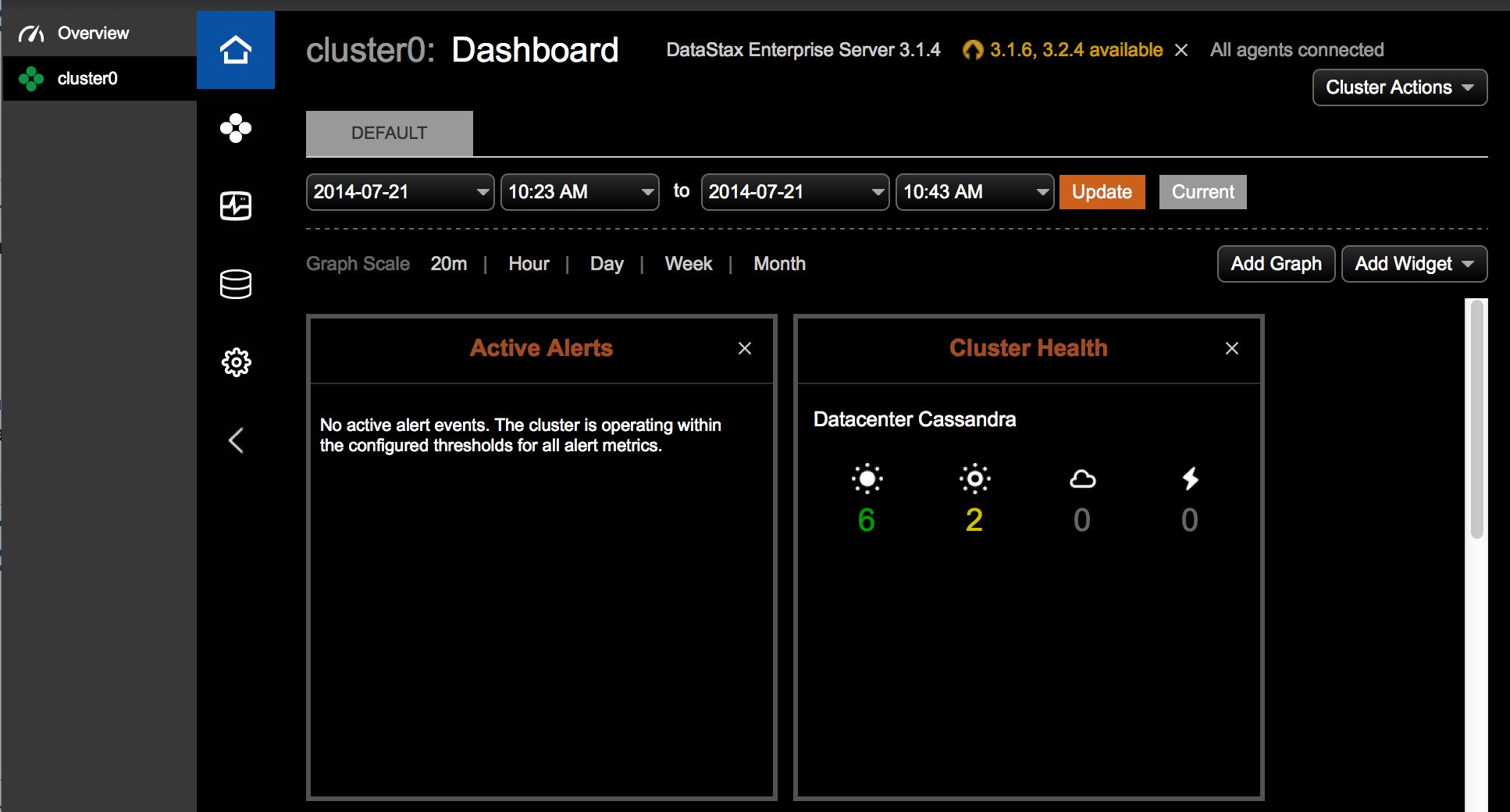
Once opscenterd and all agents have been configured and
restarted, verify proper connection via the dashboard.